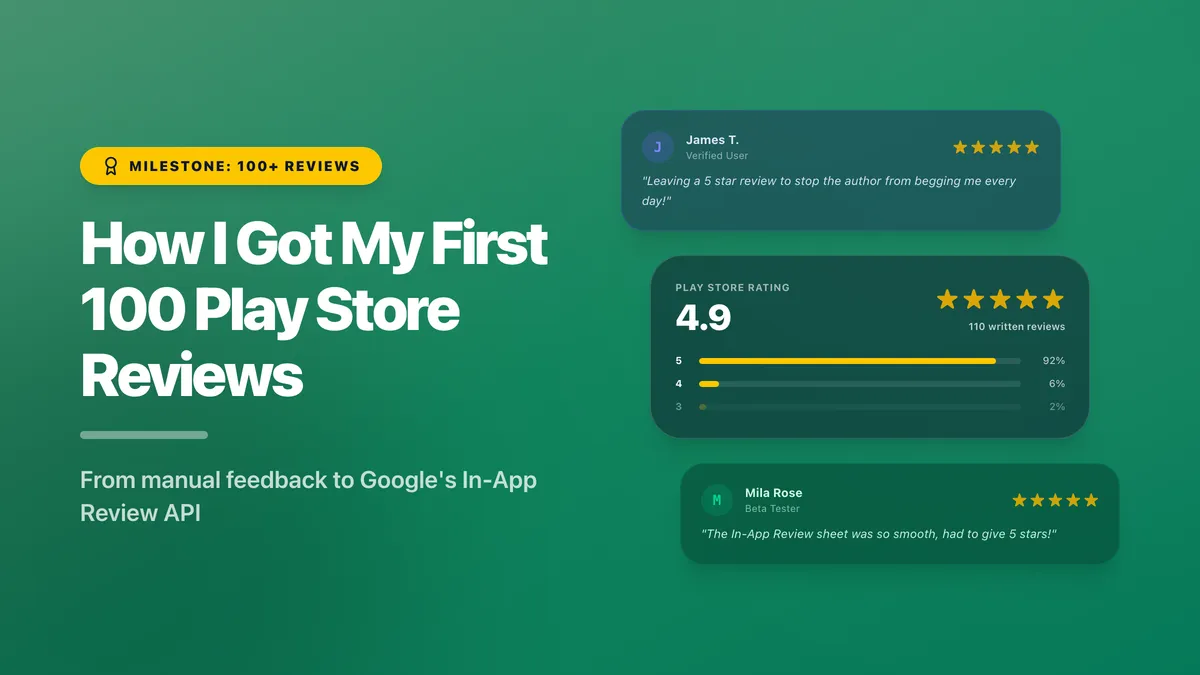
How I Got My First 100 Play Store Reviews
Join the newsletter
Follow my raw solo dev journey. Monthly direct to your inbox, no spam.
When you publish a new app, you start from a blank slate. The Play Store hides your review count until you hit 5 written reviews per country. That’s a significant hurdle - especially when your users are spread across the world.
I had over 50 written reviews and somehow still didn’t have 5 from a single country. Talk about being unlucky.
It has been a year since I published my app and today it has around 170 ratings (83 written). It has been a long journey - here is what I did to get them.
Getting My First 10 Reviews
The first 10 were the hardest. Mostly because I didn’t have many users yet.
Here’s a rough way to think about it: if around 10% of my weekly active users leave a review, I would need 100 WAU just to hit 10 reviews. For a brand new app, that’s a lot to ask. And to make things harder, my app wasn’t fully polished yet either - which made it even less likely that early users would feel compelled to review.
What worked for me was a mindset shift:
Instead of asking for reviews, I started asking for feedback.
In the early days, I leaned into the fact that it was a new app and I was actively looking to improve it. I put that message everywhere - the store listing, the settings screen, the main screen, social media. The framing mattered. People who wouldn’t review a product will often help a new developer who genuinely wants to get better.
And users responded. There are always helpful people willing to give a newcomer a chance. Some emailed me, some reached out on social media. I took their feedback seriously, acted on it, then replied to let them know what I’d changed - and asked if they’d consider leaving a review. Most did. That’s how I got my first 10, and then some.
This approach works at any stage, not just the beginning. Don’t just seek reviews - seek genuine feedback with the intention to act on it. The reviews follow naturally. Once I had got some momentum and my WAU started growing, this manual effort gave way to something more scalable.
From 10 to 100 - The Golden Rule of Reviews
You must ask the user for a review - or you won’t get one.
Users will not review your app just because it’s good. The only people motivated enough to open the Play Store, find your app, and write something unprompted are unhappy ones. Satisfied users go about their day. Unhappy users have something to say. If you rely on goodwill alone, your rating will tank.
The Art of Asking: In-App Review API
My first attempt was a card somewhere on screen: “Enjoying the app? Please leave a review.” It didn’t work. Users mostly ignored it, and the ones who tapped through didn’t follow through either. The reason is friction - tap the button, get taken out of the app, land in the Play Store, scroll to find the review section, then write. Nobody has time for that.
What actually moved the needle was Google’s In-App Review API. This library shows a bottom sheet prompt where the user can rate and review your app without ever leaving it. The friction is almost zero. My review count started accelerating as soon as I switched to it.
A few things worth knowing about how it works:
- Quota management is handled for you. You don’t need to track when you last showed the prompt. Just call the API after a happy moment in the user journey - the library decides whether to show it or not. The exact algorithm isn’t public, but it’s generally understood that a user sees the prompt roughly once every 3 months. From your side, you can safely call it whenever it feels right.
- The first call is special. The very first time you call the API for a user, it’s almost guaranteed to show. Don’t waste it. Rather than firing it immediately after the first happy path, let the user experience a few wins first. They’ll be more likely to leave a positive review once they’ve actually grasped what the app does.
- Proof that it works. In April 2026, the In-App Review API had a bug that stopped the prompt from appearing for some Play Store versions. Apps that relied on it immediately saw their ratings tank - negative reviews kept coming in, positive ones dried up. It was a live demonstration of the golden rule: unsatisfied users always find a way to review. Satisfied users need a nudge.
Review Gating - A Line Worth Not Crossing
I came across the idea of pre-screening users before asking for a review - first ask “Are you enjoying the app?”, then route happy users to the review prompt and unhappy users to a feedback form. This filters out negative reviews before they reach the Play Store.
It sounds tempting, and plenty of well-known apps do it (Reddit being one example). But it’s against Play Store policy. For a small indie app, the risk of a ban isn’t worth it. I decided to not implement such a gate.
Conclusion
And that’s it really. Once the in-app review API started working its magic, all I had to do was keep the users happy. Kept on improving the app, listening to feedback, and the reviews started following.
There were some negative reviews mixed in too, but I didn’t let that discourage me. Initially low ratings tanked my average rating by a lot, but over time it started recovering. Now a 1 star review doesn’t hurt my average rating as much cause I have so many 5 star reviews. Thanks everyone for your support!
Join the newsletter
Follow my raw solo dev journey. Monthly direct to your inbox, no spam.